
Business objects
Entities such as a case file or a deadline, with typed fields: text, numbers, dates, choice lists, and references to partners, users, documents or other records of the module. Running numbers like 2026/0184 are assigned by nexxus.
Modules (NXM)
An NXM module is a business module you install into a tenant as one package file, with its own records, lists, pages, roles, actions and tools for the AI Assistant. This page explains what a module consists of, how it differs from built-in modules and apps, and how a package becomes a running module.
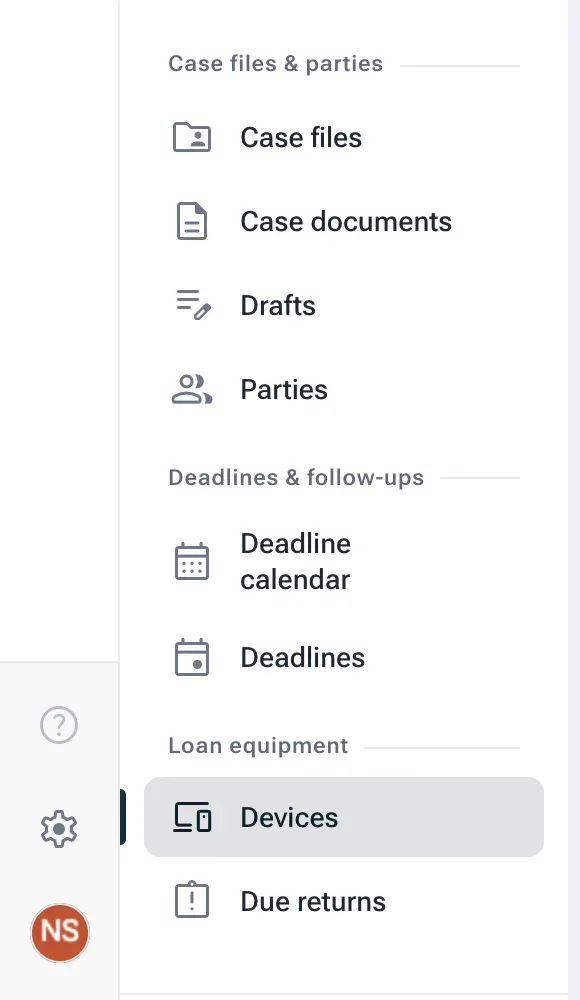
Take a law firm that wants to run its case files in nexxus: files with a number, a client and an opposing party, the documents that belong to each file, letters waiting for a lawyer’s approval, and court deadlines nobody may miss. None of that ships with nexxus. A developer describes these business objects, their screens and their rules in one package. An administrator uploads the package, reads what it brings and what it wants to access, agrees and installs it. From that moment the firm’s staff find a new section in their menu, lists and record pages work like everywhere else in nexxus, and the AI Assistant can search and draft in the new records with the rights of the person asking.
That package is an NXM module. The name comes from its file extension, .nxm. In the app, the catalogue of these files is called Packages.
A package describes a business area. Most of it is declared in one manifest file, module.json, and nexxus builds the screens and checks from it. Only what cannot be declared is written as code, and that code never runs inside nexxus.
Business objects
Entities such as a case file or a deadline, with typed fields: text, numbers, dates, choice lists, and references to partners, users, documents or other records of the module. Running numbers like 2026/0184 are assigned by nexxus.
Lists and record pages
Declared, not programmed. nexxus renders lists with search, filters and sorting, and record pages with a Data tab, edit mode and related lists.
Custom views
Pages, record tabs and dialogs written as one self-contained HTML file each. They run in a sandbox and reach data only through the view SDK, with the rights of the person looking.
Actions
Workflow steps such as “lend”, “approve” or “complete”, with conditions, a permission of their own and an optional confirmation. The server checks every condition again.
Permissions and roles
Each entity brings a read and a write permission, the module adds its own, and its roles appear in the role editor. Nobody gets a role automatically.
AI Assistant
Tools to search, read, create and change records, instructions installed as a skill, and example prompts for each view. Every writing tool asks in the chat first.
Module services
Optional programs outside nexxus that compute, react to changes or read documents. They work with short-lived tokens and only with the data the administrator agreed to.
Versions
Every version is immutable. An update can rename values or fields in stored records, and nexxus shows a dry run of every change before it happens.
nexxus can be extended in more than one way. The right choice depends on what you are building and who builds it.
| Built-in module | NXM module | App | |
|---|---|---|---|
| What it is | A part of nexxus itself, such as projects, timesheets or Files | A business module delivered as a .nxm package | A small tool whose documents are files, delivered as .nxa |
| Who builds it | The nexxus team | Developers | Business teams with the AI Assistant, or developers |
| Who installs it | Nobody: it comes with every instance. Administrators can switch whole business areas off | Administrators, per tenant | Anyone for themselves, administrators for the whole tenant |
| Where its data lives | In nexxus | In nexxus’s record store, as typed records with indexes | In a document in Files |
| Who may see what | Permissions defined by nexxus | Its own permissions and roles | The sharing of the document |
| AI Assistant | Built-in tools | Its own tools, instructions and example prompts | The general app tools |
| Example | Projects with their timesheets | Case files and deadlines of a law firm | A Kanban board for onboarding new staff |
Choose an NXM module when you need records that many people work on in lists, with rights, workflow steps and a place in the menu, and when the module will grow in versions that update stored data. Choose an app when the result is a document that people open, edit and share. When something must become part of nexxus for every customer, it is a built-in module, and that is work for the nexxus team.
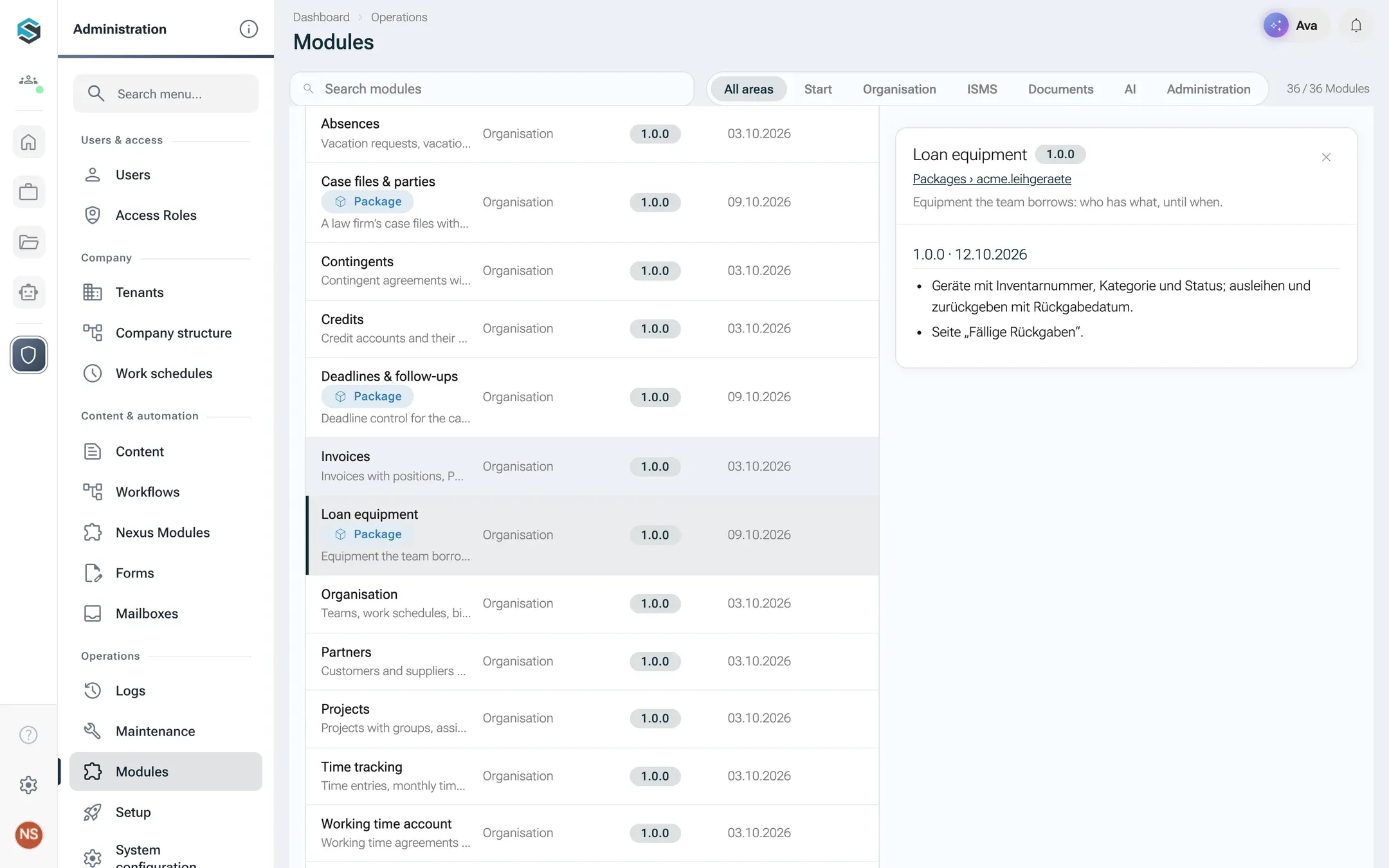
Installed packages also show up on the Modules tab next to the built-in modules, marked with the chip Package, with their version and changelog.
Every platform that lets customers extend a shared installation has to decide where their code runs. nexxus keeps it out of its own process, and a package therefore works on three levels:
The package brings
nexxus
Interprets the declarations, hosts the views in a sandbox, calls the service with signed tokens
People get
module.json. nexxus reads them and builds the screens, the validation and the API. Most modules need little else.The result for your tenant: a package cannot read data it was not given and cannot bypass a permission, because the checks run on the server and never in the package.
A package does not have to build what nexxus already does well:
Build
Write the manifest and views, pack the folder into a .nxm file, sign it.
Upload
An administrator uploads the file. nexxus checks it and lists every problem.
Review and agree
The package page shows what it brings. The install dialog asks for consent and roles.
Install
Roles, sample data and menu entries appear. The module is active.
Update or remove
A newer version updates in place. Deactivating or uninstalling keeps or deletes the data.
An installation is in one of three states, shown as chips in the catalogue:
| State | What it means |
|---|---|
| Active | The module is in the menu, its views and tools work. |
| Deactivated | Menu entries, pages and tools are gone for everyone. Data, roles and settings stay, and Activate brings everything back. |
| Removed, data kept | The module was uninstalled with its records kept. A later install attaches them again. |
Uninstalling with Delete the data removes the installation completely. How each step works is described in Package, install and update. What happens to stored records is in Data and upgrades.
.nxm file, a ZIP archive with the manifest, the changelog, views and data files.module.json that declares everything the module consists of. See Package structure.<publisher>.<name>, such as curiaos.kanzlei. Permissions, tools and routes are derived from it.core:partner:read.